Storyboard Maker for Film, Video and Animation
Storyboard maker that builds a scenario from your song lyrics: paste a poem or an idea and AI writes a general scenario plus a shot-by-shot list with shot sizes, camera angles, movement, timing and the song line under each shot. Then refine the board by hand — draw panels, drop in reference photos, or pull frames from a video — and export a print-ready PDF, an animatic video, or a CSV shot list. The board and exports run in your browser; scenario generation runs on the server via AI.
How to make a storyboard
Draw a shot, drop a reference photo, or extract frames from a video clip — each becomes a panel on the board.
Pick the shot type, camera angle and movement, then add the action, dialogue and a duration.
Drag panels to reorder, duplicate similar shots, and watch the total runtime update as you go.
Save a print-ready PDF, an animatic MP4, a CSV shot list, or a project file you can re-open later.
Plan your shots panel by panel and export a print-ready board
How to use it 0:32How a storyboard gets built
Build a scenario from your lyrics
Paste a poem or an idea — AI writes the scenario and a shot-by-shot plan
Scenario generation runs on the server via AI and costs tokens — the price is shown on the button. Your text is sent to an AI provider. The result may need edits.
What you get
The "Build the storyboard" button turns your text into a logline, a synopsis, a visual style, locations, props and a shot-by-shot plan. Every shot has its framing, angle, camera movement, duration and your own line, verbatim.
Logline: she leaves on a winter train and takes with her everything she never managed to say.
She snaps an old suitcase shut on the windowsill; snow-covered roofs outside the window.
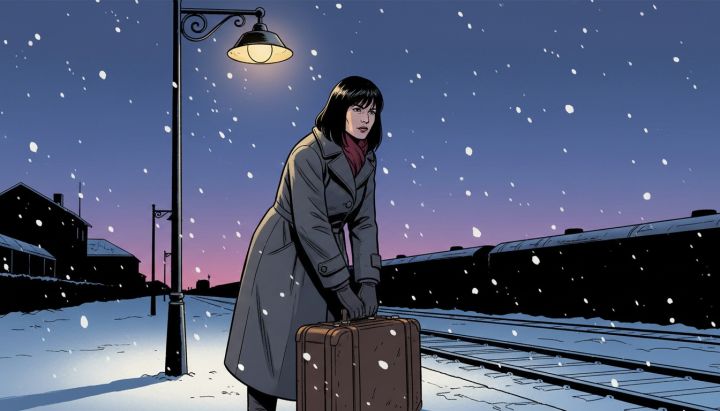
Kitchen in an old apartment block · one lampThe "Draw the frames" checkbox: every frame is drawn from its own description in the style you pick. Change the style and redraw any single frame.
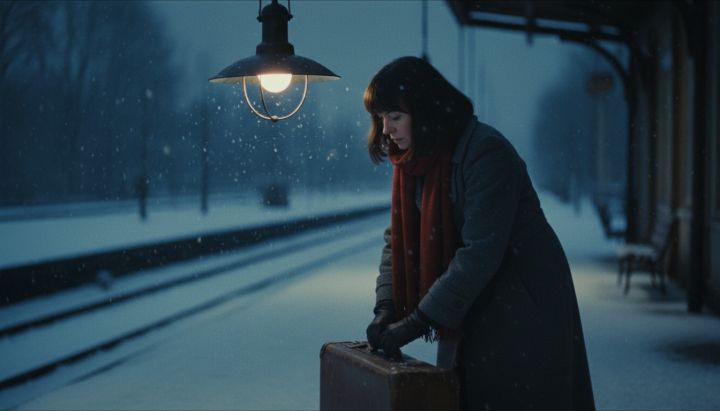
The "Draw the frames" checkbox: every frame is drawn from its own description in the style you pick. Change the style and redraw any single frame.
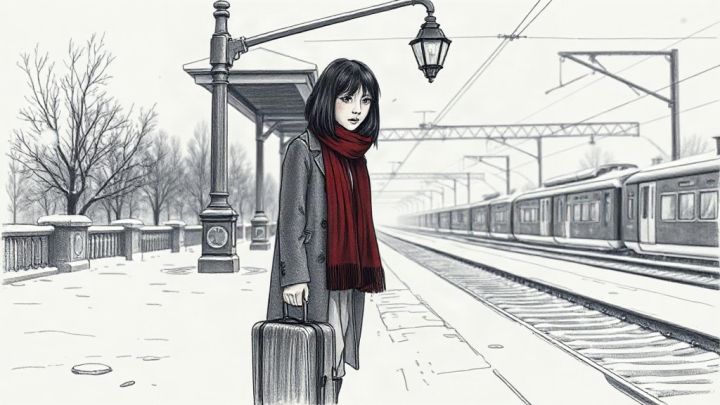
The "Draw the frames" checkbox: every frame is drawn from its own description in the style you pick. Change the style and redraw any single frame.
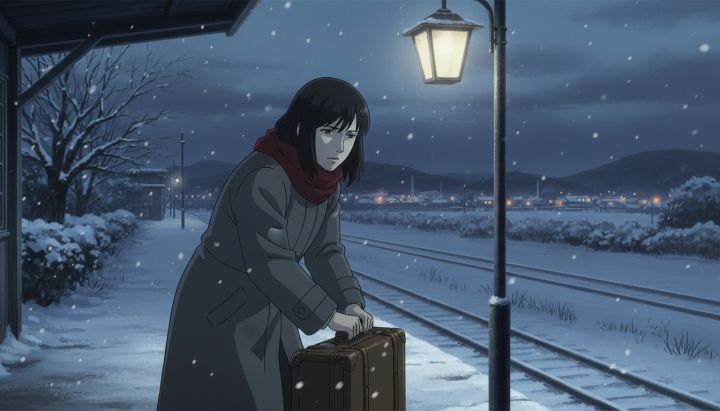
The "Draw the frames" checkbox: every frame is drawn from its own description in the style you pick. Change the style and redraw any single frame.
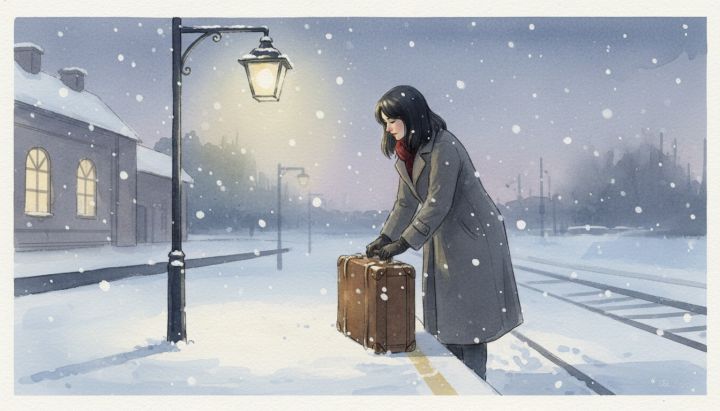
The "Draw the frames" checkbox: every frame is drawn from its own description in the style you pick. Change the style and redraw any single frame.
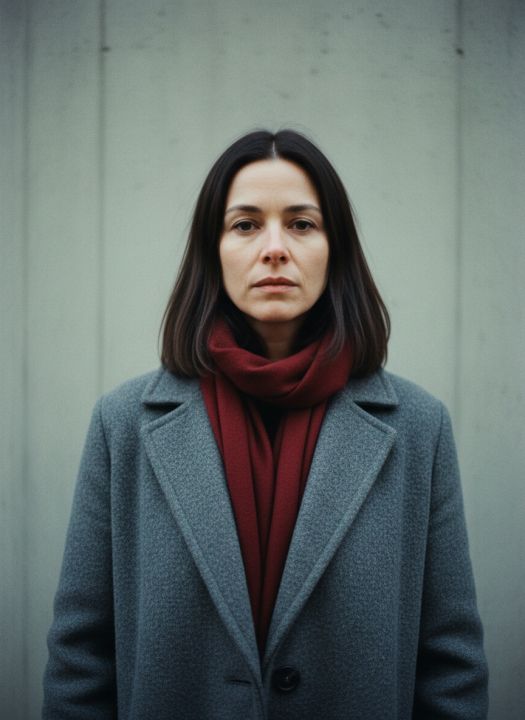
The "Character" card: upload a photo or draw a portrait, and every frame keeps the very same person, not a look-alike.
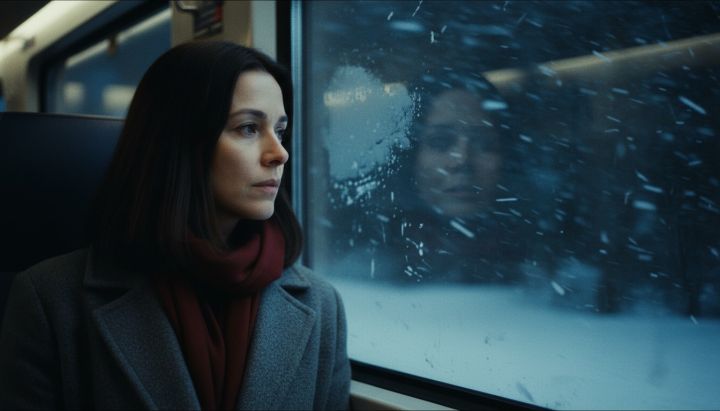
The "⧉ Copy" button on a shot card: a ready English prompt for any image or video generator — the shot, the character and the style in one line.
Medium shot: she sets an old suitcase down on a snowy railway platform at dusk, a station lamp swinging above her. Character: a woman about 30, straight dark shoulder-length hair, a long gray wool coat, a dark red scarf. Style: cinematic photorealistic film still, 35mm. Duration: 5 s
Draw or upload panels
Sketch a shot with the pencil, stamps and camera arrows — or drop in reference photos.
Extract frames from video
Pull stills from a clip and turn each frame into a panel you can annotate.
Edit panel
Draw panel
Extract frames from video
MP4, MOV, WEBM, MKV, AVI — processed in your browser.
Export storyboard
Rewrite several shots
The shots are rewritten in one pass, so you can ask for things that belong to the whole stretch: make it build, cut the repetition, tighten the framing towards the end.
Draw frames with AI
Features
How a storyboard gets built
These frames were shot on this very page. There are three ways in, and they do not exclude each other: describe the idea in words, draw the frames yourself, or break an existing video into shots — all three end up on the same board.
The recording has no sound: there is nothing to narrate, everything is visible on screen. The video does not start loading until you press the button — until then the page holds only a still image.
-
Choose where to start
The empty screen offers three ways in: describe an idea or paste song lyrics, draw the frames yourself, or break a video file into shots. The template strip at the bottom sets the format straight away — 9:16 clip, YouTube, commercial, 2.39:1 cinema — that is, the frame proportions and the planned length.

-
Describe the idea — or paste the lyrics
The field takes both a one-line idea and a whole set of lyrics. Next to it you name the runtime and the number of shots, and the arithmetic after that is not left to the model: durations are fitted to the runtime you asked for, scene numbers and timecodes are derived, and each lyric line comes back into its shot verbatim — no lines invented on the author's behalf survive in the board.

-
The board: one shot, one panel
Panels are dragged by the grip on the left and renumbered with one button. The view switch hands you the same thing as a table — a shot list whose set of columns you choose, and where the shot number stays put as you scroll sideways.

-
Fill in the shot card
Every panel carries its own set: shot size from wide to macro, angle, camera move, transition, duration, dialogue, action, location, lighting, on-screen text. The button next to the duration field hands that value to every shot at once. A separate button redraws a single shot from scratch, with a note about what exactly is wrong with it.

-
Take a PDF, an animatic or a table
PDF gives printable pages with the frames at the chosen proportions. The animatic is a video where each frame runs for its own duration. CSV is a table for the crew, in story order or grouped by location. Alongside them sit a PNG contact sheet and an archive of the panels.


Frequently asked questions
Can I make a storyboard from a video?
Yes — upload a clip and pull frames at an interval, an even count, or by scrubbing and capturing. Each frame becomes a panel you can annotate.
What is an animatic and how do I export one?
An animatic is a rough video where each storyboard panel is held for its duration. On the export panel choose “Animatic”, set the timing and add an optional audio track to get an MP4.
Can I print my storyboard?
Yes. The PDF export lays out classic storyboard pages with frames, shot fields, headers and page numbers in A4 or US Letter, ready to print or email.
Will my work be saved if I reload?
Your board is autosaved in the browser, and you can also save a project file that bundles the panels and images to re-open on any device.
Which aspect ratios are supported?
Widescreen 16:9, vertical 9:16 for Reels and TikTok, square 1:1, cinema 2.39:1, classic 4:3 and more — the whole board switches without cropping your frames.
We can! Just send us a quick message with your idea. If you'd like to discuss it in detail, leave your email and we'll get back to you. You can stay anonymous.
How do you rate this tool?
Comments
By uploading content you confirm that you are entitled to disclose its contents to third parties, and you undertake not to include other people's personal data in it. See the Terms of Use for details. AI providers Tembrica is an independent product. We are not affiliated with, endorsed by or sponsored by the makers of the models and services listed here; their names are used only to say factually which engine runs a given tool.
This result was generated by a neural network. Any rights that could arise on our side pass to you — perpetually, with no usage fees and no limits on territory, print run or manner of use, commercial use included. The rights are non-exclusive: another user may obtain a similar result. Crediting Tembrica or linking back is not required. The file carries a machine-readable AI-origin marker in its metadata. More in the Terms of Service
