Video doppelganger: two of you in one frame
Film two takes without moving the camera: you stand on the left, then on the right. The tool finds the border between them and stitches them into one frame, so you appear in it twice and can talk to yourself.
How to make a clone effect video
1
Shoot without moving the camera
Two takes from one spot: first on the left, then on the right.
2
Drop both takes in
Drop both files — or film them right here with your camera.
3
Place the seam
The seam places itself. Drag it if you disagree.
4
Lay out the voices
Press "Arrange lines" and the takes speak in turn.
5
Save the video
One file. A vertical version for Reels and Shorts too.
Film a conversation with yourself from one tripod
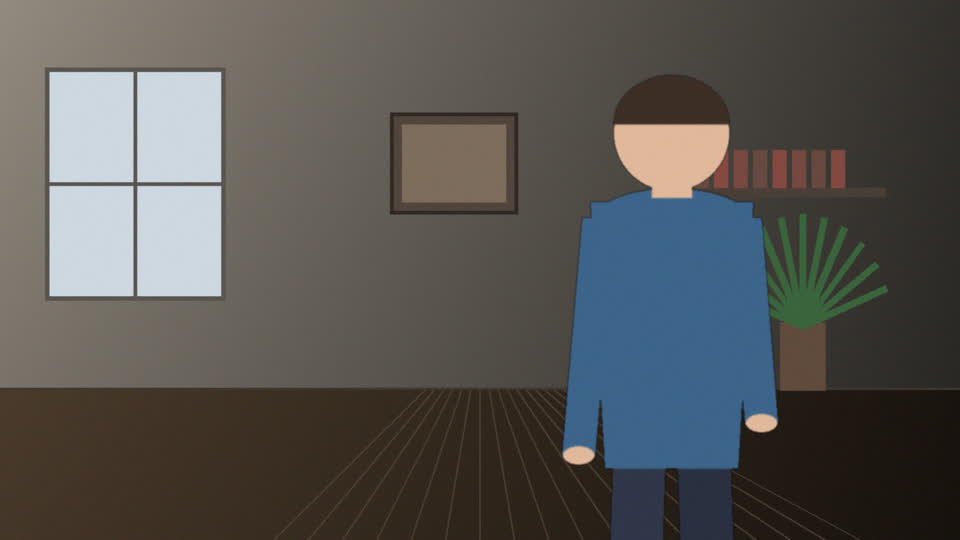
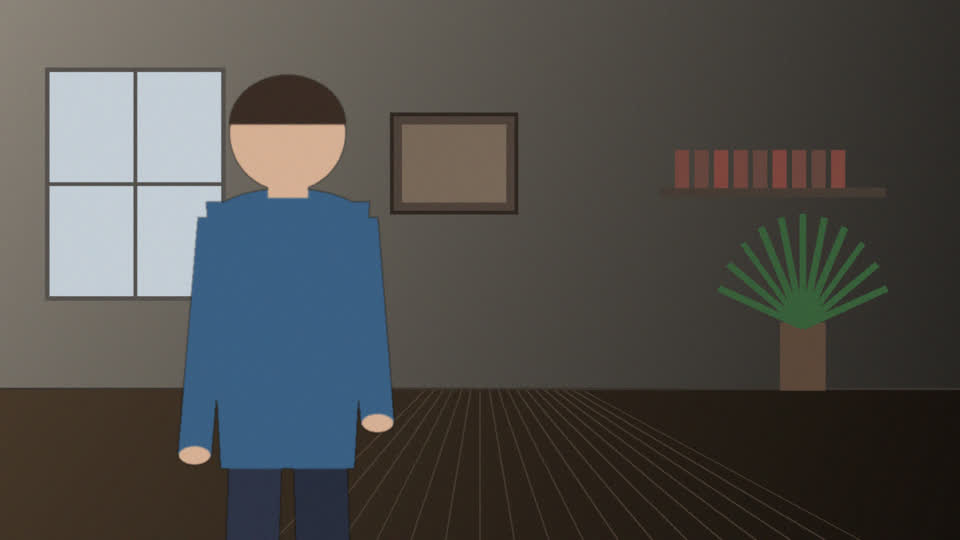
Drop two takes shot from one tripod
MP4, MOV, WebM, MKV, AVI ·
Record twice without moving the camera: once on one side of the frame, once on the other. Up to four takes.
Drop your music
MP3, WAV, M4A, OGG, FLAC ·
Format
One file: the joined frame, both voices and the music.
Premium: up to 1000 compositions a day Premium: higher limit
Premium removes these limits You've used every composition for today. Premium raises the limit to 1000 compositions a day. Or come back tomorrow. You have used today’s runs. The counter resets at midnight (your local time). This account is not confirmed, so runs are unavailable. Confirm your email in your profile. Premium has a higher limit: up to 1000 runs per day. You picked more than is left for today (:remaining of :cap left) — nothing was spent. Remove some, or come back tomorrow. Get Premium
People are separated from the background by the RobustVideoMatting model (GNU GPL v3.0): PeterL1n/RobustVideoMatting
Published
Updated
