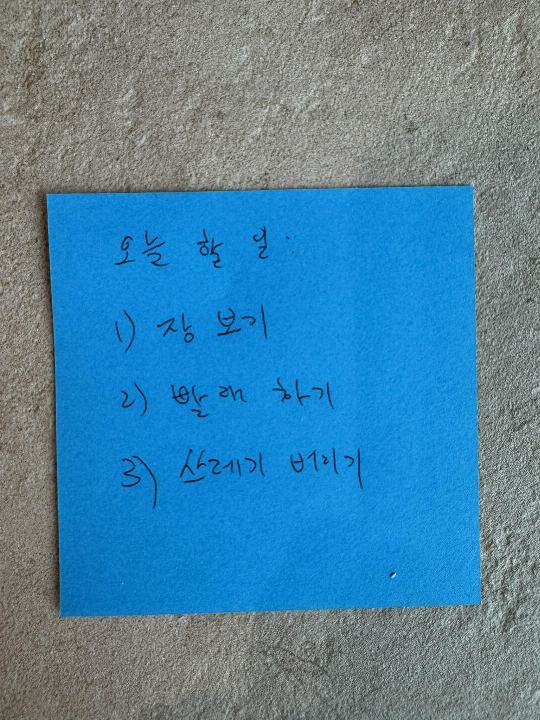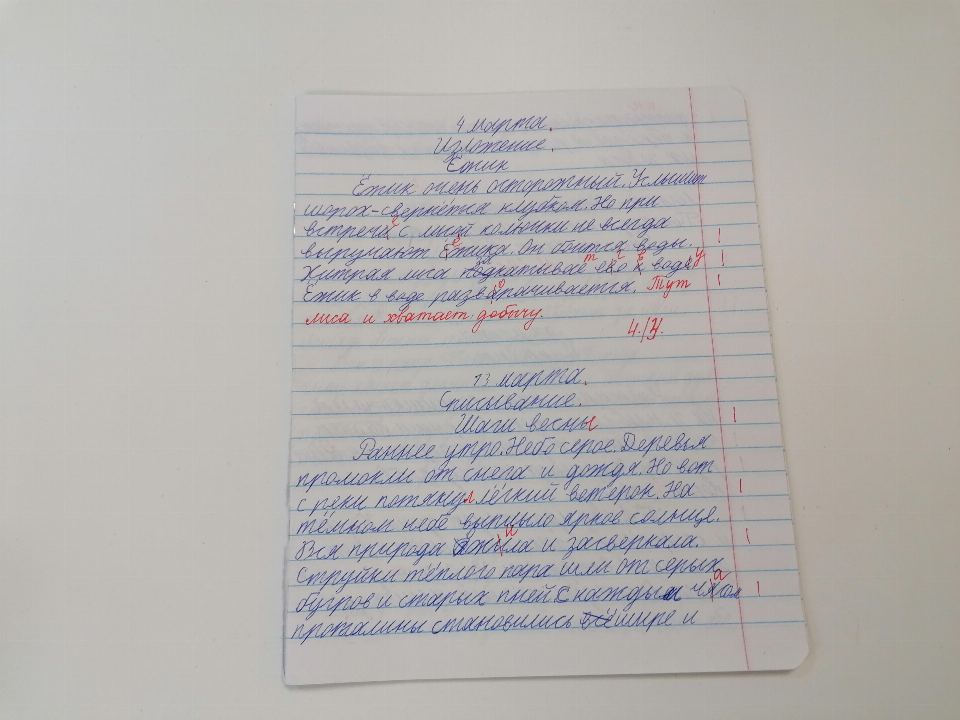
OCR text extraction from images and PDFs
A free browser-based OCR tool for extracting text from images and PDFs. Runs the full Tesseract engine locally via WebAssembly, supports more than 100 languages, fixes sideways photos and shadowed scans automatically, and exports to TXT, Word, Excel or a searchable PDF with an invisible text layer.
How to extract text from an image or PDF
Drop images or PDFs, shoot with the camera on mobile, paste from clipboard with Ctrl+V, or paste an image URL.
The default covers the site language plus English; choose up to three languages from the grouped dropdown for other documents.
Plain text for copy-paste, Preserve layout for documents, Extract tables for spreadsheets, or Receipt for totals, dates and vendors.
Inspect the bounding boxes, fix any low-confidence words inline, search for specific words.
Download as TXT, DOCX, XLSX or searchable PDF — or bundle a whole batch into a ZIP.
Turn scans, photos and PDFs into editable text, Word, Excel or searchable PDF
Drop images or PDFs here or browse
Or press Ctrl+V to paste a screenshot · type / paste URL
Working…
Click a box to jump to the word · click the word to highlight the box · Edit any word inline — your corrections are saved to the export.